VeiledAthena
Operation Pixels
Windows or Mac (5pts)
One of our private investigator associates has hit some dead ends recently on several cases due to their lack of knowledge when it comes to image editing and manipulation.
Throughout these challenges, you will have to showcase your skills with images to uncover the answers.
Task: The attached images appears to be of a human but they have hidden their identity. Can you find their name?
Answer Format:
- Use the osintuk{answer} format.
- Answer is a first name and surname, separated by an underscore.
e.g. osintuk{Joshua_Richards}
This is a fun one to start with! Unswirling images is how ‘Mr Swirl Face’ was captured. This is a great way to teach people a real investigative technique that has been used to secure bona fide, real-world results.
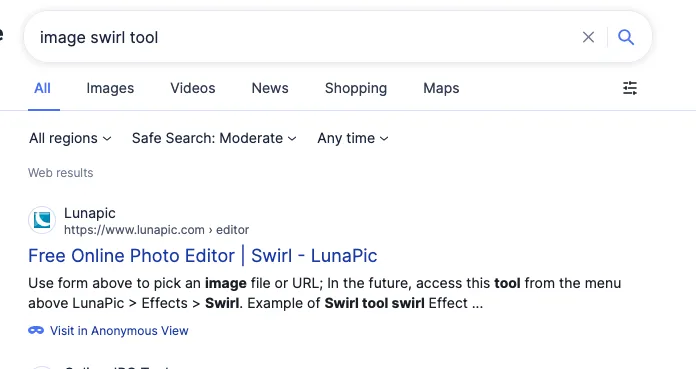
My initial thinking is that any ‘swirl tool’ should be able to resolve this. All that needs doing is to swirl anticlockwise against the clockwise-swirled image. Googling this brings up ‘Lunapic’ as the first option.
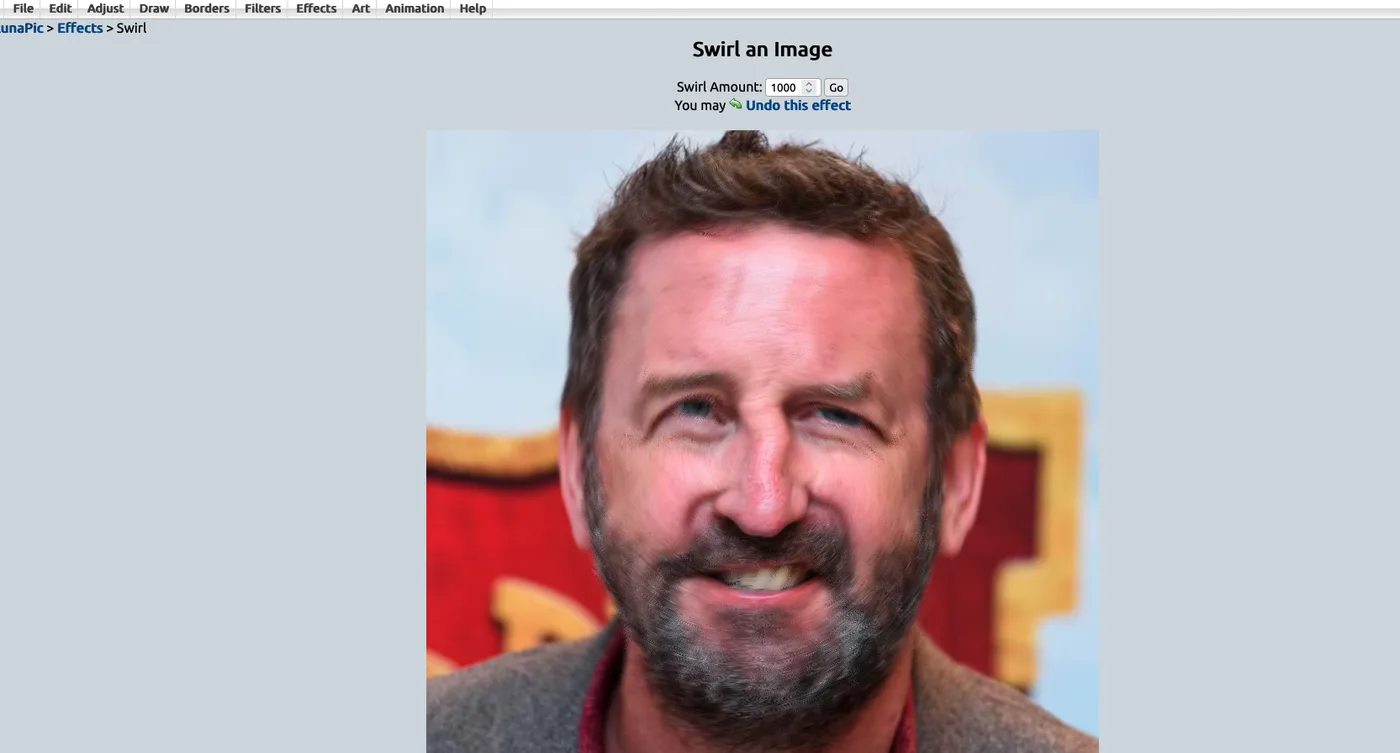
The website swirls in an anti-clockwise direction by default, meaning we can give a positive integer to get the desired result. ‘Swirling’ by 1000 reveals the man behind the mask. I know him to be Lee Mack. For those unsure, giving his unswirled face the Google Lens treatment would reveal the flag.
Flag: osintuk{Lee_Mack}
Landscape (5pts)
Task: Identify the hidden code in this image.
Answer Format:
- Use the osintuk{answer} format.
e.g. osintuk{WORD4875}
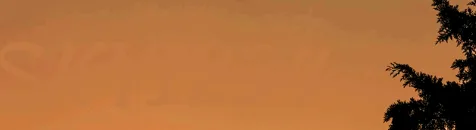
Editing the image contrast and brightness on PowerPoint shows some kind of writing in the sky, but it’s not quite clear enough.
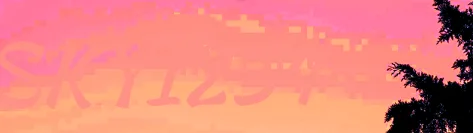
Playing with the colour and temperature of the image thereafter makes it more visible - SKY1234.
Flag: osintuk{SKY1234}
Secret (5pts)
Task: Identify the secret that has been redacted.
Answer Format:
- Use the osintuk{answer} format.
- Replace any spaces with underscores.
e.g. osintuk{Super_Secret_7H1C}
This is a slightly simpler variant of the previous challenge. Taking the image to PowerPoint/any image editor and increasing the brightness reveals the text under the flag. This technique solved a similar redaction in Operation Costa.
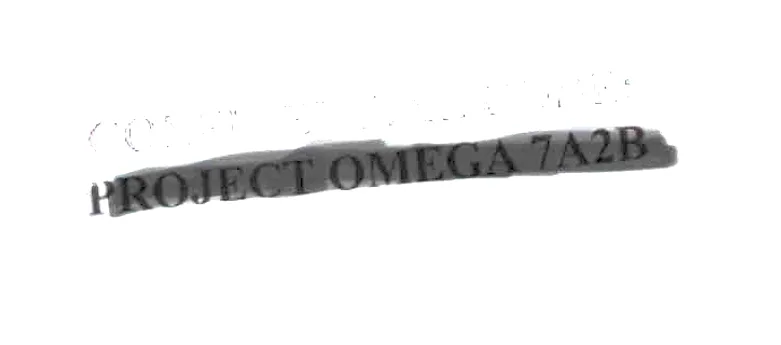 Flag: osintuk{Project_Omega_7A2B}
QR Code (5pts)
Task: Find out where the QR code leads.
Answer Format:
- Use the osintuk{answer} format.
- Answer with domain and endpoint.
- No https://
e.g. osintuk{abc.com/page}
PowerPoint isn’t able to stretch images natively, so we have to start elsewhere. As a rule of thumb, starting with the simplest solution - Occam’s Razor - is generally the wisest route to take, so I tried putting the image into Google Lens.
This gave an… interesting result.
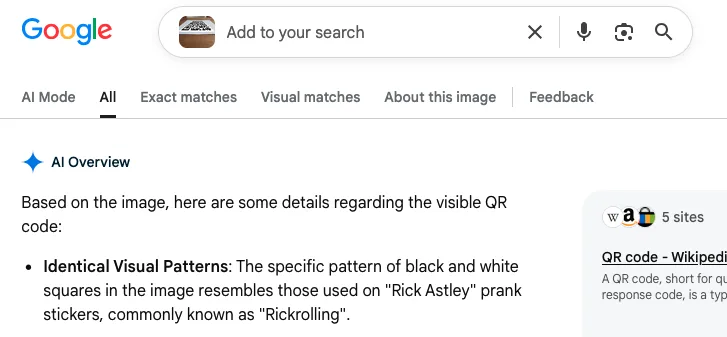
I thought I’d take a leap of faith here and input the rickroll URL as the flag. It’s not the correct flag. I think I’ve just been rickrolled by Google.
Having had my trust in Google thoroughly shaken, I asked it for websites that could correct image perspective. This led to PicFix Pro. This website allows you to adjust image perspective to match where you place each of the four corners of a rectangular selector, and is just what we need to solve this task.
This is also a very useful tool in general, and one I recommend bookmarking.
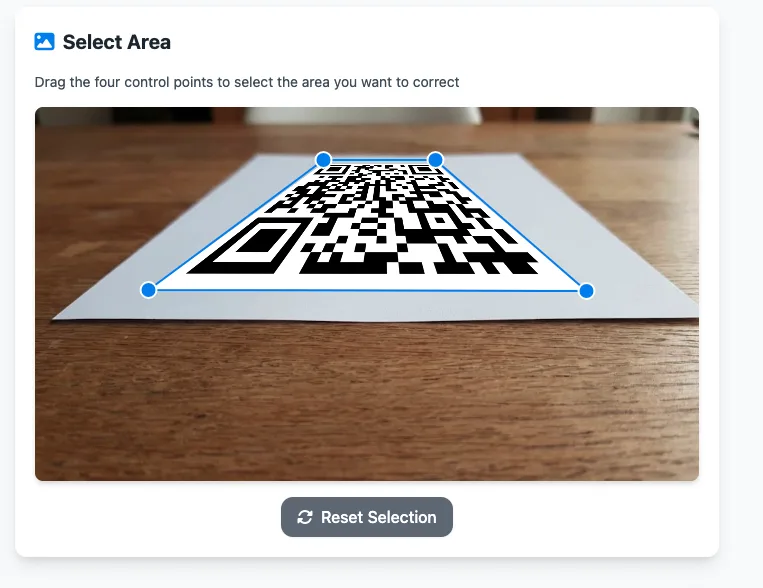
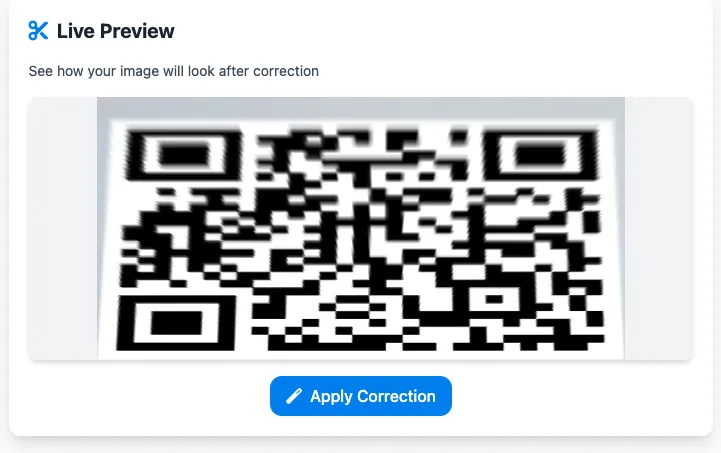
Taking this code to any QR code scanning website will now produce the link. I personally used ScanQR. This gave the result of OSINT UK’s events page.
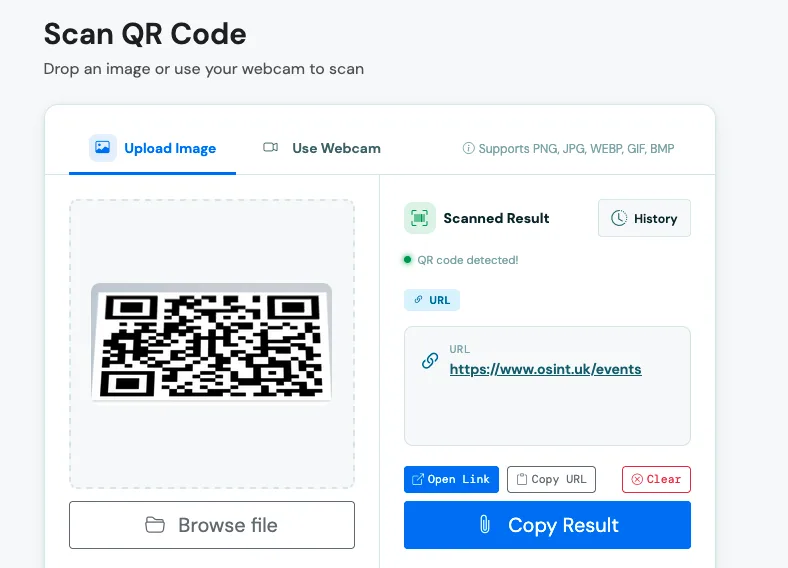
Flag: osintuk{osint.uk/events} - not a rickroll after all.